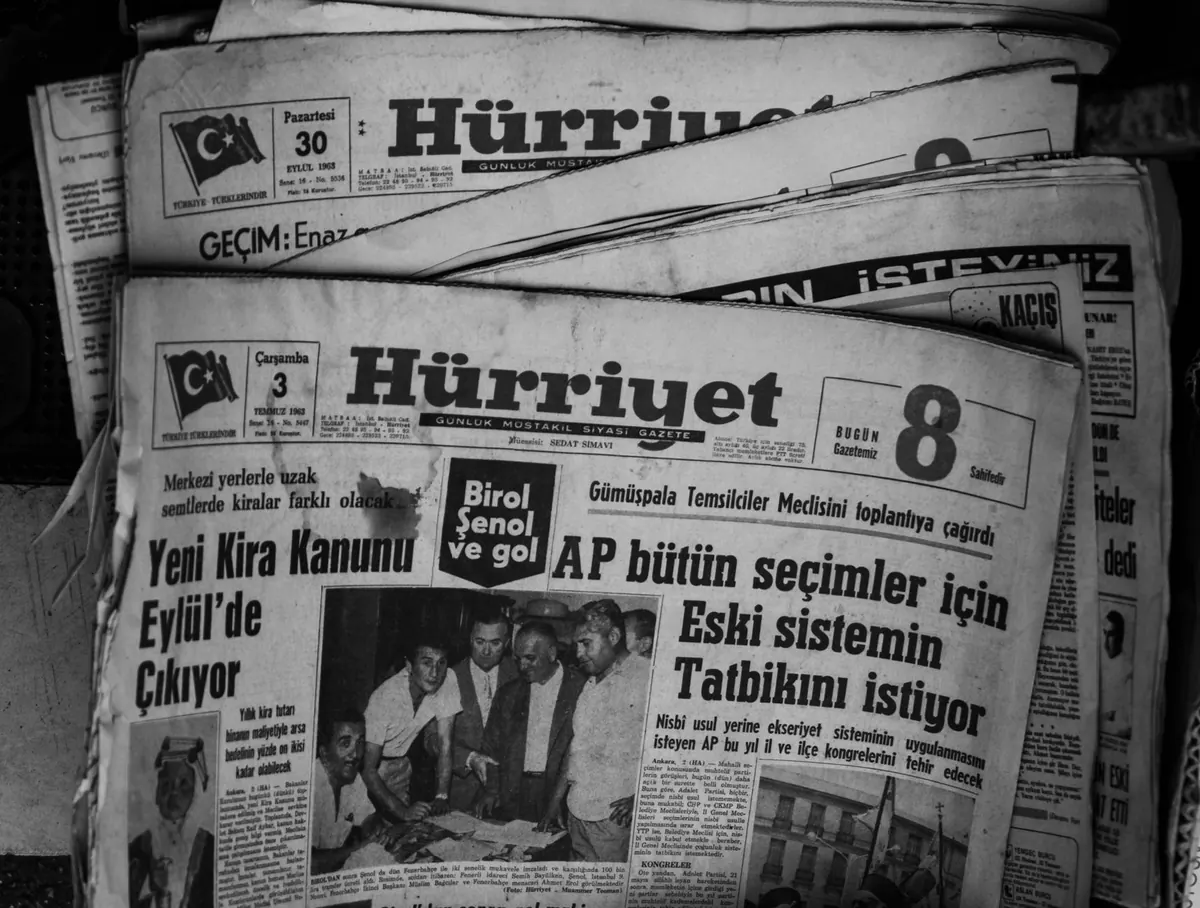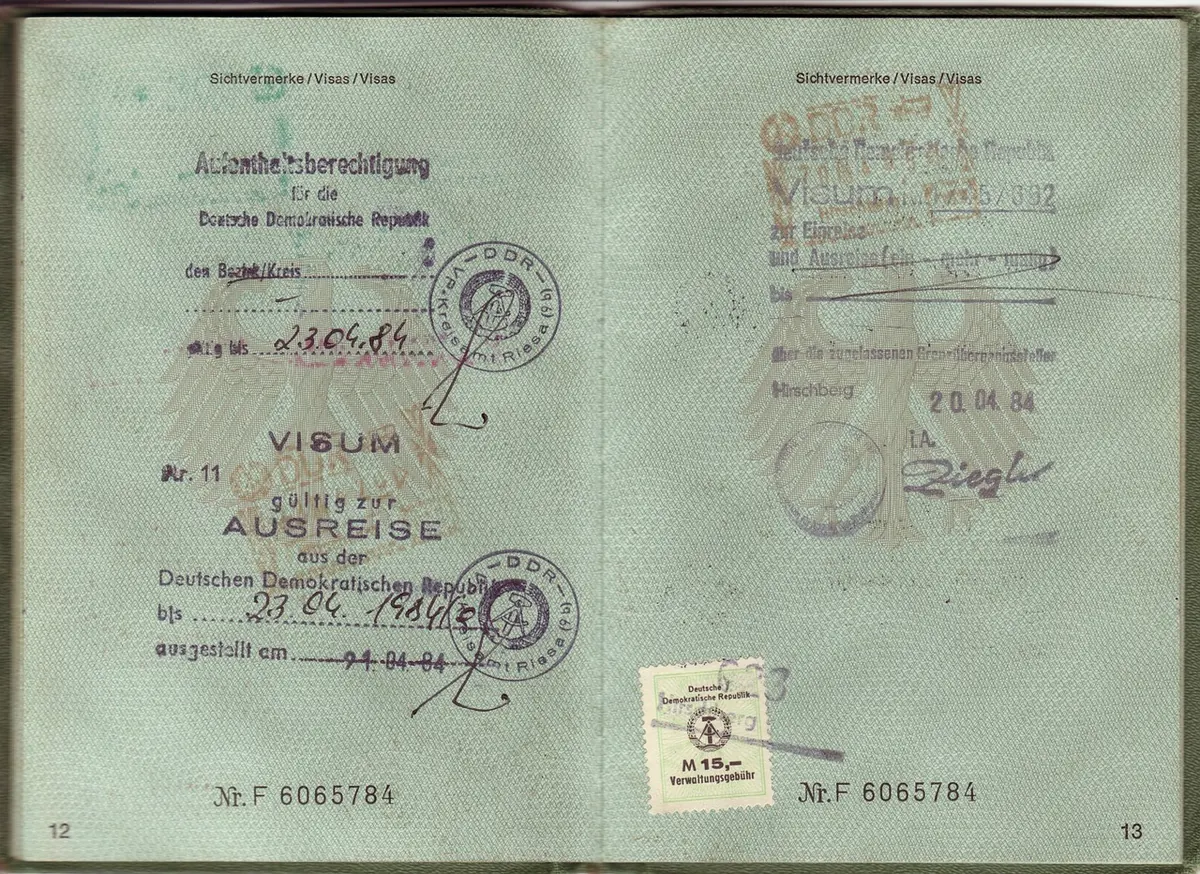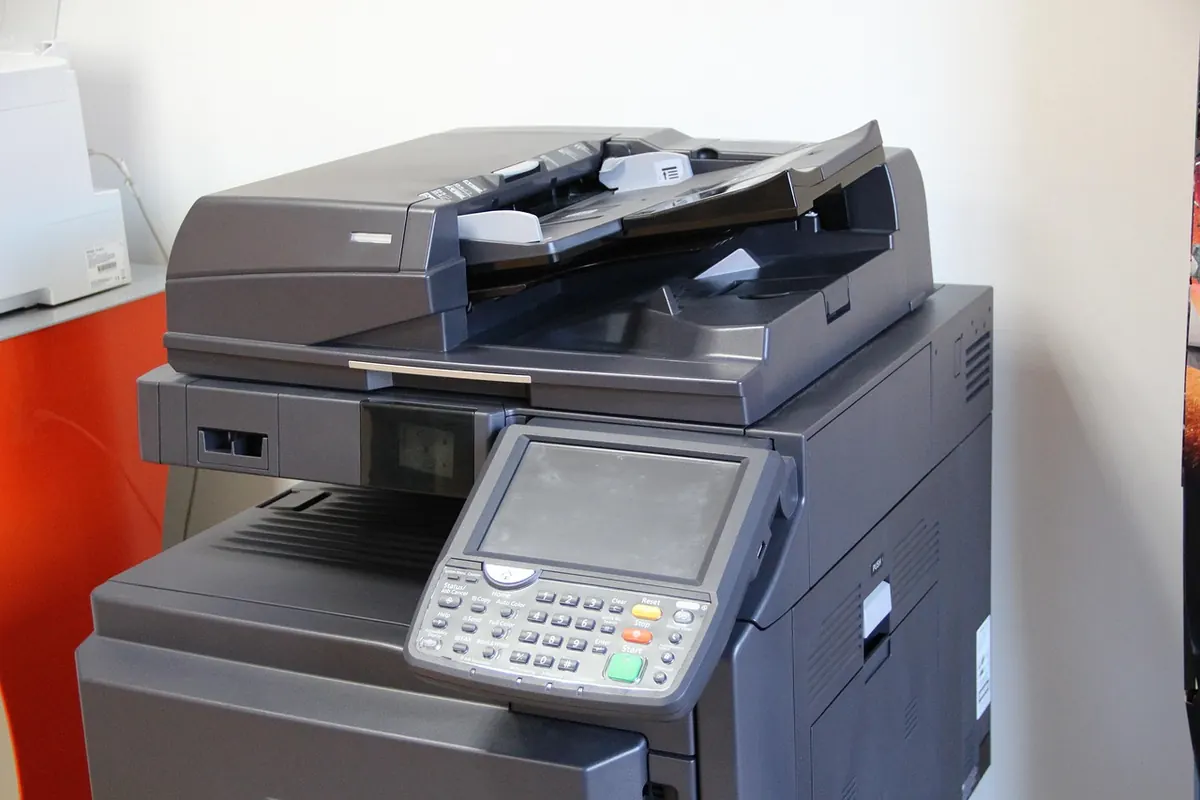
The shoebox is easy to ignore until the day it isn’t. Inside: a great-grandfather’s naturalization paper, a stack of letters tied with string, photographs with no names on the back. You do not need a lab or a grant to bring those documents into a safer, searchable form. You need a scanner, a naming habit, and a backup plan you will actually follow. Start smaller than you think, and build a routine that survives a busy week.
Start with an inventory, not a scanner
Before you buy anything, empty one box onto a clean table and sort it into rough piles: correspondence, photographs, certificates, diaries, ephemera, and anything too fragile to handle. Do not try to organize the whole house in a weekend. Work box by box, and write down what you find in a simple spreadsheet: box number, short description, approximate date, condition, and whether it is a priority.
Priority usually means two things: documents at risk of damage, and documents you would be sorry to lose. A crumbling newspaper clipping from 1910 may matter less than a complete set of letters from one person, but if the clipping is the only copy, scan it first. Handle paper with clean, dry hands. For photographs, hold them by the edges. Keep a pencil nearby for notes on folders, never on the document itself.
- Work on a clean, uncluttered surface with no food or drink nearby.
- Keep documents flat and supported; do not fold, crease, or press them open.
- Do not use tape, glue, laminating pouches, or rubber bands on original material.
- Separate moldy, damp, or insect-damaged items and store them away from the rest.
Choose equipment and settings that suit the paper
A flatbed scanner is the safest general choice for fragile paper, photographs, and bound items you can lay flat without forcing. A sheet-fed scanner is faster for loose, uniform sheets, but it can jam or crease fragile edges. A phone camera is fine for quick reference shots and for triaging a box, but it is a poor master copy unless you control lighting, angle, and focus carefully. If you already own a good flatbed, use it. If you are buying, look for one that handles at least 600 ppi optical resolution and saves TIFF files.
A practical baseline
- Resolution: 300 ppi is a reasonable minimum for typed text; use 600 ppi for handwriting, small print, photographs, and documents with fine detail.
- Color: scan in 24-bit color even when the page looks black and white. Aged paper, pencil notes, and stamps carry information that a grayscale scan can lose.
- Format: keep a TIFF master and make a JPEG or PDF/A access copy for reading and sharing.
- Framing: include the full page and a small border. Do not crop into text or trim away annotations in the margin.
Clean the scanner glass before each session; dust shows up as white specks on every image. Scan the back of a page if it has writing, a stamp, or an address. If your software offers optical character recognition, use it to create a searchable layer, but check a few pages. OCR is useful, not infallible, especially with handwriting and old typefaces.
Name files and record metadata while the context is fresh
The filename is the first piece of metadata, and the one you will see most often. A name like scan001.tif tells you nothing in five years. A name like 1943-11-05_Rossi_letter-to-EM_p01.tif tells you the date, the creator, the document type, the recipient, and the page number. Use ISO dates—year-month-day—so files sort correctly. Use hyphens or underscores instead of spaces, and avoid special characters that can confuse software or cloud services.
A naming pattern that works
Choose a pattern and stick to it: date, creator surname, document type, short subject, page or sequence number. If the date is uncertain, use the best estimate and note the uncertainty in your inventory. Keep the original filename if a document already has one, and add your own prefix rather than deleting it. Never overwrite a master file. If you rescan an item, add a version note such as _v02.
Metadata worth keeping
Metadata is simply the information that explains the file. At home, a CSV spreadsheet stored beside your scans is enough to start. Record the filename, a short title, creator, recipient, date, place, description, provenance, rights, format, and condition. Provenance means where the document came from: “found in Aunt Marie’s attic, box 3” is useful. Rights may be as simple as “family papers, contact descendants for permission to publish.”
- Identifier and filename
- Title or short description
- Creator, recipient, date, and place
- Provenance and any known rights information
- Condition notes and scanning decisions
If your scanner or image editor can embed descriptive metadata, add it, but do not rely on embedded metadata alone. Keep the CSV and a plain-text README with the collection. Use the same terms consistently: choose “letter” rather than mixing “letter,” “correspondence,” and “missive” for the same kind of item.
Back up, verify, and keep the originals
A scan that exists in one place is not preserved. Follow the three-copy habit: the working copy on your computer, a second copy on an external drive, and a third copy stored offsite or in a reputable cloud service. Keep at least one copy offline and disconnected from the internet. Label drives with dates. Test a restore before you trust the system—open a few files from each backup and confirm they are readable.
Checksums are a simple way to detect silent corruption. Many backup tools can create and verify them. Run a check periodically, and replace drives that start reporting errors. Cloud storage is convenient, but it is a service, not a guarantee; read the terms and keep your own copy.
Preservation formats and storage
For master scans, use TIFF with lossless compression or no compression. For text documents you need to share widely, PDF/A is designed for long-term access. Avoid editing the master file; make derivatives instead. Store original documents in acid-free folders in a stable, dry, dark place, away from damp basements and hot attics. Do not discard originals after scanning unless you are certain they have no legal, financial, or family value. If a document has legal weight—a deed, a will, a contract—treat the scan as a copy and ask a qualified professional about retention and authenticity.
Follow preservation standards without letting them stall you
Preservation standards are habits, not a certificate you must earn before starting. Capture at an appropriate resolution, use open or widely supported formats, document your decisions, and keep the originals. Check your files once a year. Migrate to new media every few years rather than waiting for a drive to fail. A short README that explains the folders, naming pattern, and metadata fields is worth more than a perfect but undocumented collection. The goal is consistency you can maintain, not technical perfection.
Make it a habit, not a heroic sprint
Pick one box. Set a timer for thirty minutes. Scan ten items, name them properly, add a line to your inventory, and back them up before you stop. That is a complete session. Next week, do another ten. The project will move faster than a single exhausting weekend, and you will still understand your own system months later. The aim is not a flawless archive; it is one that remains usable when you are not there to explain it.
Photo: manuelwagner0 / Pixabay