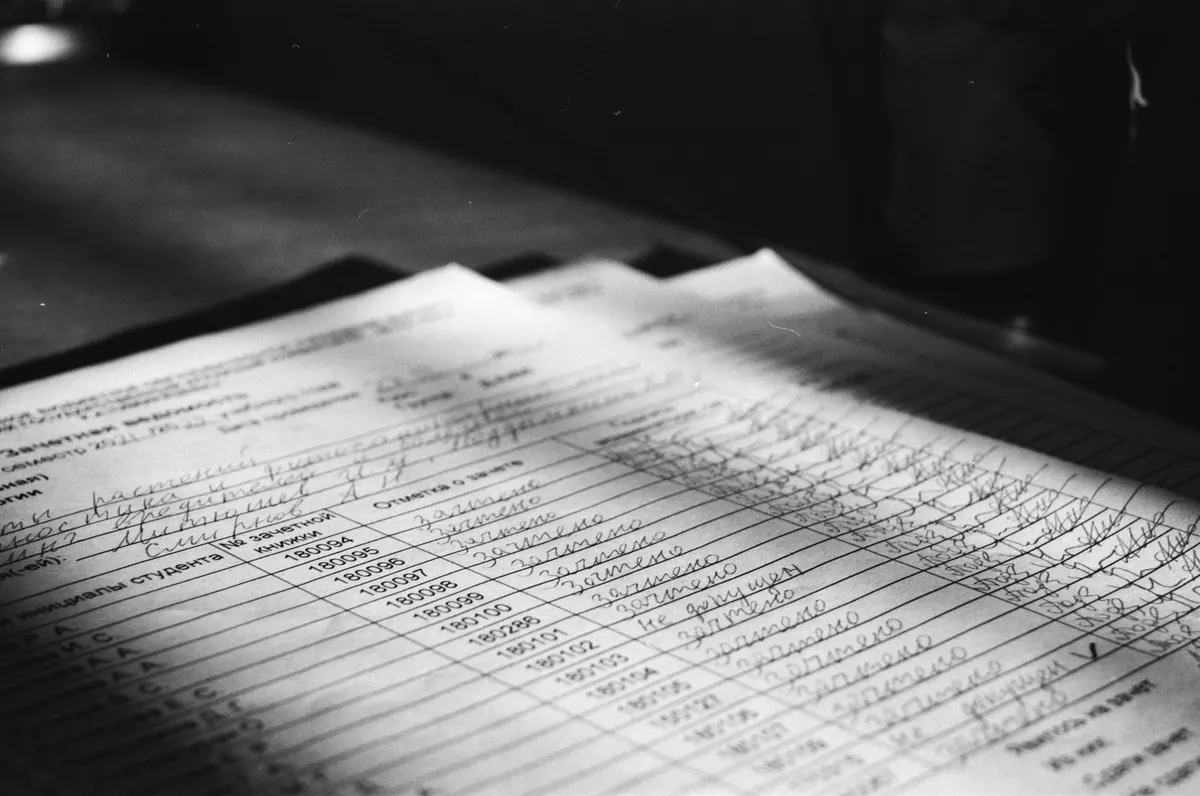
A page arrives as a file: a single JPEG, a little grey at the edges, saved with a name like Letter_1863_p1.jpg. The handwriting is legible, the date in the corner matches the caption, and it would be easy to drop it into a footnote and move on.
Don't. A scan is not a document. It is a photograph of a document, made by someone, at a particular time, with a particular machine, for a particular purpose, and every one of those facts limits what you can honestly say about it. None of the questions below need special equipment. They need only the habit of asking them before you believe what you are looking at.
Start with the object, not the file
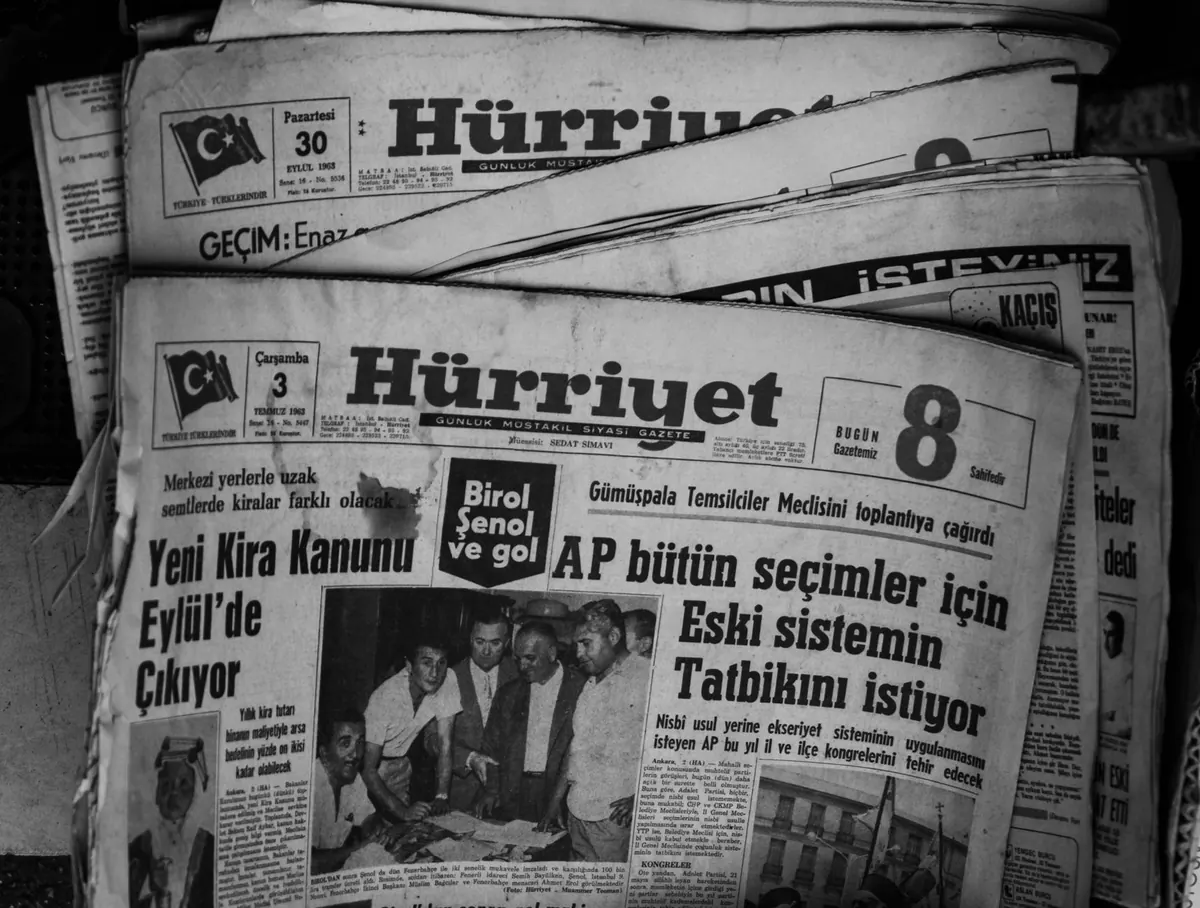
Ask what the original physically is. Paper, parchment, a letterpress copybook page, a carbon, a typed transcript, a microfilm printout. The answer changes what the image can tell you. A letterpress copy is a thin, translucent sheet made by pressing the original against damp paper; it catches the ink but not the pressure of the pen, so a signature that looks hesitant in the copy may be confident on the sheet that was actually signed.
Then ask how many copies deep you are. If the file is a scan of microfilm, and the microfilm was made from a photocopy made in 1968, you are looking at a fourth-generation image. Each step loses something specific. Pencil annotations disappear first, then watermarks, then paper texture, then the difference between black ink and faded brown ink. A document that looks clean and complete may simply have been copied until everything awkward fell below the threshold of the machine.
Provenance is a chain, not a caption
When a caption says "from a private collection," that is not provenance. It is a mood. Provenance is a sequence: who held the object, in what order, and what evidence supports each step. You will not always get the whole chain, but you can usually find out whether one exists.
Ask which institution holds the original now, and whether the digitized item can be tied to a catalog record, an accession number, a box and folder, or a collection-level finding aid. Ask whether the person or dealer offering the image is the custodian or only a passer-by. Dealer descriptions and auction entries are worth reading for hard facts — dimensions, inscriptions, docketing, the date written on the sheet — and worth ignoring for adjectives. Collectors' notes can be excellent and can be wrong; either way they are testimony, not proof.
One useful distinction: an institution's ownership tells you where the object is today. It says nothing about whether the object is what the caption claims. Those are two separate questions, and both need answers.
Read the metadata as a claim
Good digital collections tell you who did the imaging, when, with what equipment, at what resolution, and what happened to the file afterward. Thin metadata is not a reason to reject a document, but it is a reason to keep your conclusions small. Look for a filename or identifier that matches the catalog record, so you can be sure the image you downloaded belongs to the entry you read. Check whether there is an OCR text layer, and if there is, do not trust it for names, dates or numerals — those are exactly what handwriting and worn type defeat.
Descriptions are claims too
Catalogers work quickly and honestly and still get things wrong. Square brackets are the tell: [1863?], [Smith], [illegible] mean the information was supplied by a person, not read off the page. A letter "dated 1864" because of a postmark is dated from a postmark. "Attributed to" is not "by." If the description and the document disagree, the document wins, but write down that they disagreed.
Interrogate the image
Zoom to the smallest legible mark in the file. If the strokes break into blocks and the loops fill in, you do not have enough detail to judge the hand, the ink or the corrections.
- Resolution: a web display image of a few hundred pixels across cannot show you a hairline or a pencil note. Ask for the archival master or the highest-resolution file the institution will supply.
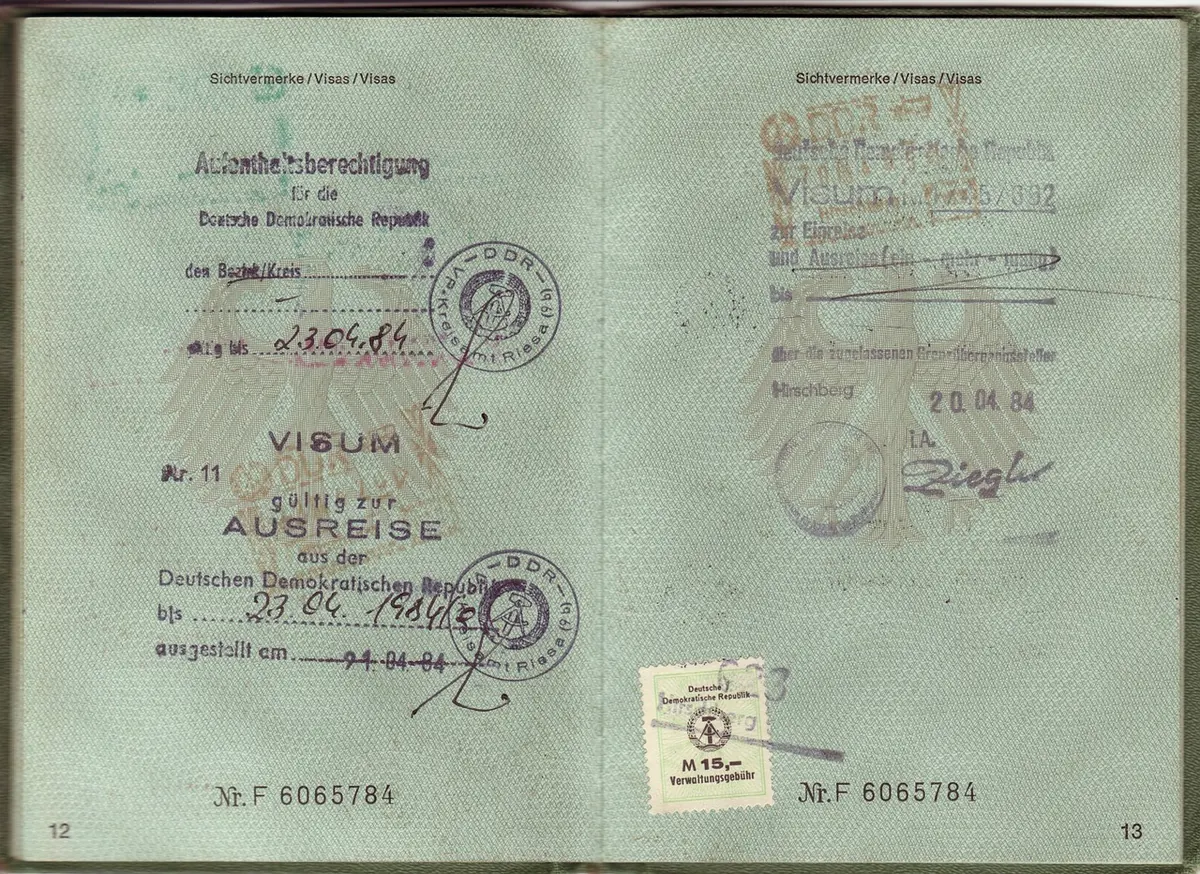
- Colour: a greyscale scan turns a red pencil underline into a grey smudge and a revenue stamp into a shadow. If colour carries meaning — annotations, seals, ink changes, stains — ask for a colour image.
- Framing: cropping at the margin removes docketing, page numbers, binder holes and the edge of a second leaf. Ask whether the whole sheet is in frame.
- Interventions: contrast stretching, despeckling and "cleaning" can erase faint pencil and the foxing that helps date a sheet. Moiré patterns suggest microfilm; soft edges suggest a copy of a copy.
Count the pages, including the ones facing away
Most digitization is recto-first. The front of a leaf gets imaged; the back gets skipped unless someone decided to turn it. If a letter ends mid-sentence, the verso may hold the rest of it — or an address panel, or an endorsement recording when the letter was received, which is often the best dating evidence on the sheet.
Ask whether this is one page of a longer document, whether there are enclosures, whether the pagination skips. Check for catchwords and signature marks in printed material, and for a fold-out that a page-by-page camera would have missed. A bifolium shot as two separate items will look like two documents until you notice the conjugate leaves.
Ten questions to keep by your desk
- What is the original object, and was this image made from it or from a copy?
- Who holds it now, and can I see the catalog record or finding aid?
- Who made the image, when, and with what equipment?
- What is the real pixel resolution, and has the file been resized or recompressed?
- Is the whole sheet in frame, margins and edges included?
- Is it in colour, and does colour matter for what I am reading?
- Has the image been altered — cropped, despeckled, contrast-stretched?
- Is there writing on the back, and has it been imaged?
- Is this the complete document or a page from something longer?
- Which parts of the description came from the document, and which were supplied?
Ten answers will not produce a verdict. They produce a boundary: a clear sense of what this file can support and what it cannot. That is more useful than certainty.
Before you cite it
Save the permalink and the catalog identifier, not just the JPEG, and note the date you looked. Digitized collections get re-scanned, re-described and occasionally re-identified, and a citation that cannot be traced back to a record is a dead end for whoever follows you.
Then write down what you could not see: "verso not imaged," "resolution too low to confirm the signature," "date supplied by cataloger." Those notes take thirty seconds and they protect you later. And when a question genuinely matters, write to the holding institution. Reference queries and reproduction requests are part of the work in most archives, and a curator who knows the collection can answer in a paragraph what a week of guessing will not. Trust in a digitized document is not a feeling about a file. It is a record of what you checked.
Photo: Илья Иванов / Pexels